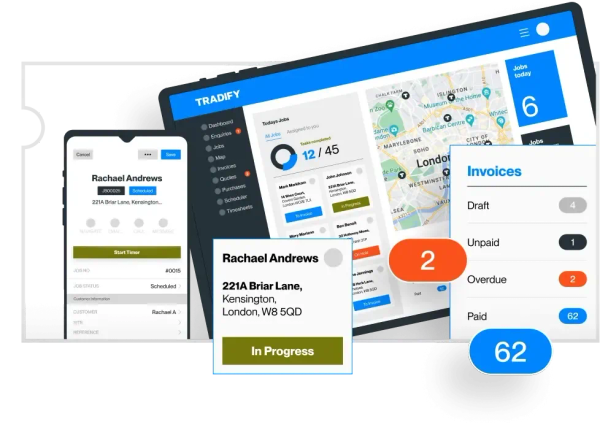
How to trial trade software without wasting the fortnight
A repeatable sample-job test for quotes, scheduling, paperwork and invoicing.
On The Tools HQ editorial team · Updated 2026-10-09
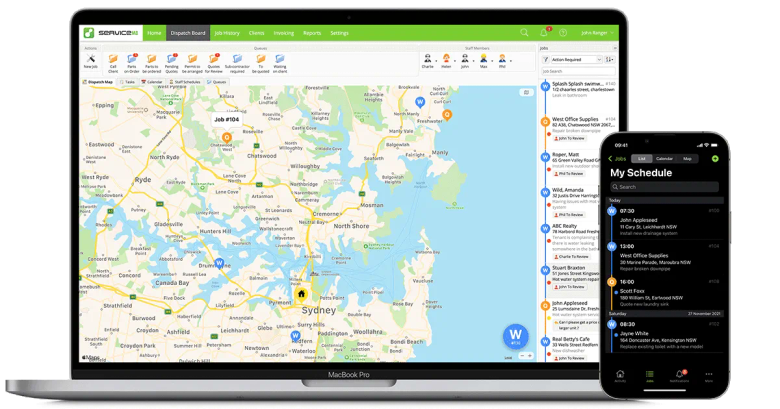
Prepare before the trial clock starts
Choose a fictional customer, one ordinary job and a deliberately awkward variation. Create a small list of labour and materials you can use in every app. Decide who will act as the customer, dispatcher and engineer. Have the intended phone and accounting test environment ready. This turns a trial into a comparison rather than a fortnight spent exploring menus.
Build and approve the same quote
Enter labour, materials and a clear scope. Add an optional extra or a revised price if that is part of your normal work. Send the quote to an email address you control and open it on a phone. Look for a clear total, readable exclusions and an obvious acceptance action. Check where acceptance is recorded and whether the quoted items carry into the job.
Change the diary after booking
Allocate the job, move it to another date and reassign it. Inspect the engineer’s view and the customer notification. Try an overlap. If you do recurring work, change one occurrence without changing the entire series. Note any action that requires the office to telephone someone because the app does not show the change clearly.
Complete the job on the actual phone
Add photos, labour, a material change and a customer signature where appropriate. Try the specific job sheet or certificate you require. If poor signal is common, load the job and disconnect the phone before making changes. Reconnect and inspect the office record. A downloaded job that can only be read is different from a workflow that can be completed offline.
Follow the money into the accounts
Raise the invoice from the completed job and check the original quote and approved extras. Record a part payment and then the balance. If you use an integration, inspect the resulting records in your accounting package. Verify the right customer, invoice number, tax handling and payment status. Do not infer a working integration from its logo on the supplier’s homepage.
Write down a decision, not a feeling
For each step record whether it worked, the paid tier needed, the time taken and anything you had to retype. Ask the supplier to resolve the two or three blockers that matter most. Check whether the trial includes features outside the subscription you intend to buy. Finish with a whole-team price and a short explanation of why the app fits your workflow. If the important tasks remain unclear, keep your existing process while you investigate.
Sources and date checked (5)
Supplier documentation. Product imagery belongs to the respective supplier.
- Tradify: plans and workflowChecked 2026-10-09
- ServiceM8: UK pricingChecked 2026-10-09
- ServiceM8: accounting integrationsChecked 2026-10-09
- Commusoft: plans and licencesChecked 2026-10-09
- Joblogic: pricing and tiersChecked 2026-10-09