
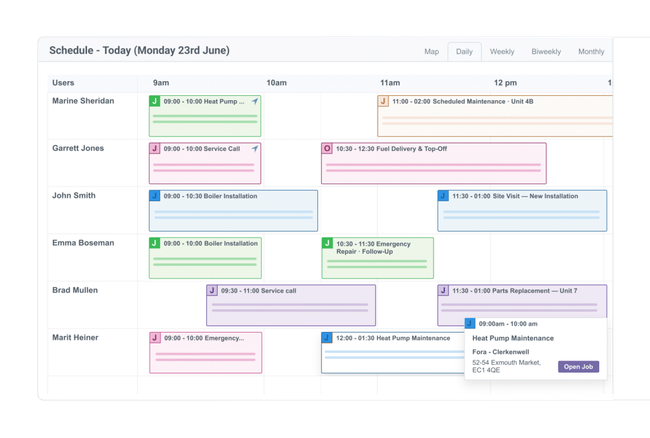

When to choose Commusoft
Consider Commusoft if the buying decision involves ongoing maintenance, field paperwork and a more structured customer journey. Its tiers are quoted rather than priced as a simple public seat charge. Ask for the required modules, users and implementation costs in writing. Online booking is documented in Customer Journey, so compare the quoted tier that covers your process, alongside the supplier’s standard contract term.
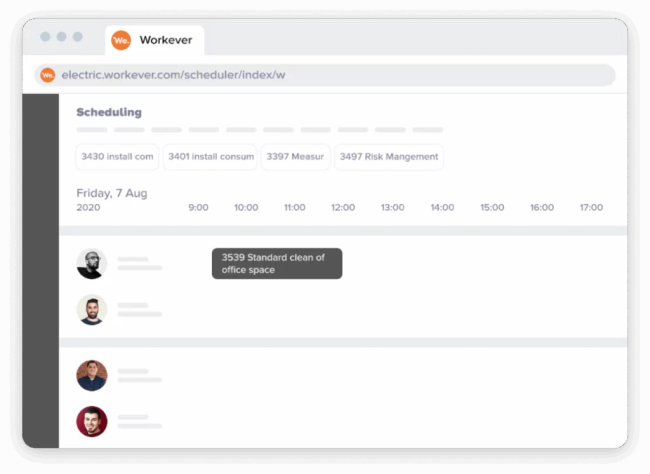
When to choose Workever
Consider Workever if you need a mobile fieldworker workflow alongside an office diary, quotes and invoices. The documented Ultimate tier is the relevant comparison when forms or asset management are required; Base is not a price for that complete configuration. Check integration extras and ask the supplier to confirm the trial duration and regional offer, because its pricing page contains conflicting information.
Compare the real subscription cost
Commusoft requires a supplier quote; there is no verified public subscription amount in this comparison. Workever Base starts at GBP 29 per user per month. VAT treatment is not established in the checked price record. Compare the plan that covers the work you need, including office and field users, any job allowance and extras. These starting figures do not establish the final bill for the same team or the same scope. Keep currencies and payment commitments separate.
The plan differences that can change the decision
Commusoft: Service contracts support planned maintenance and recurring billing. Engineers can access job records through an offline app. Customer Journey includes online booking. Workever: Recurring jobs are listed in the plan table. Ultimate includes the form builder and mobile form filling. Xero and QuickBooks accounting add-ons are documented. These distinctions are reasons to inspect the workflow during a trial or demo. An unverified item in the table means the checked evidence is incomplete, not that the product cannot perform that task. In particular, establish the exact certificate or accounting transaction needed rather than accepting a broad feature name.
Restrictions and buying questions
Commusoft: Standard licences carry a twelve-month commitment. Monthly rolling licences can supplement the contracted plan; daily licences cover temporary users. Workever: The page advertises a thirty-day trial while its header says fourteen days. It also labels the region India while displaying GBP. Confirm trial duration, currency and VAT in the signup quote.
What to test before deciding
Create a repeat maintenance visit and complete the field paperwork in both demos. In Workever, use the tier containing the forms you need. In Commusoft, confirm whether the required customer booking and maintenance functions are included in the quote. Use a representative sample job rather than customer data you do not need for the test. Ask which trial or demonstration features remain in the plan being quoted, and record any manual steps or extras before deciding.