
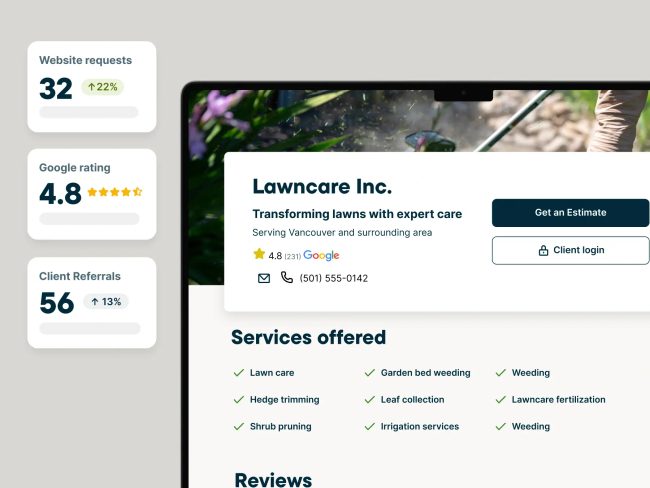


When to choose Jobber
Consider Jobber if customers booking online is an important part of the workflow you want to improve. Core documents booking and the main quote-to-invoice functions, while QuickBooks Online sync starts at Connect. Compare the tier you need and the number of users included, with USD billing kept explicit. UK payment processing has separate requirements and fees; it should not be confused with the subscription price.
When to choose Powered Now
Consider Powered Now if UK job paperwork and the supplier’s accounting or tax tools are important to your process. Its single-user Business tier and per-user Professional/Premium tiers serve different buying situations. A sole trader should not assume that the entry price covers a growing team. Confirm the specific certificate and tax workflow you need, then compare that plan’s total monthly or annual cost.
Compare the real subscription cost
Jobber: Core: USD 49 monthly or USD 29/month paid annually, one user. Connect: USD 139 monthly for one user or USD 199 for five. Grow: USD 199 monthly for one or USD 299 for five. Powered Now Business starts at GBP 28 per business per month. The published amount excludes VAT. Compare the plan that covers the work you need, including office and field users, any job allowance and extras. These starting figures do not establish the final bill for the same team or the same scope. Keep currencies and payment commitments separate.
The plan differences that can change the decision
Jobber: Core includes online job booking. QuickBooks Online sync starts with Connect. Connect provides job checklists; UK statutory certificates are not confirmed. Powered Now: Business has a diary; Premium adds drag-and-drop staff scheduling. Business has job sheets; Professional adds certificates and custom forms. The supplier lists built-in MTD for Income Tax; Professional adds VAT returns. These distinctions are reasons to inspect the workflow during a trial or demo. An unverified item in the table means the checked evidence is incomplete, not that the product cannot perform that task. In particular, establish the exact certificate or accounting transaction needed rather than accepting a broad feature name.
Restrictions and buying questions
Jobber: Jobber publishes subscription prices in USD. Core costs USD 49 month-to-month or USD 29 per month with annual prepayment. Team size changes Connect and Grow prices. These are not GBP prices. Jobber: Official documentation supports UK payment processing. Subscription billing remains USD. Confirm the accounting and certificate workflows you need before switching. Powered Now: Monthly plans exclude VAT. Annual Business costs GBP 280; Professional GBP 320 per user; Premium GBP 400 per user, paid once each year.
What to test before deciding
Ask a customer to book a sample job in Jobber, then produce the paperwork the business needs in Powered Now. Keep the customer journey and the compliance task separate so that neither is assumed from a general feature list. Jobber: Grow features; no payment card required. Powered Now: No payment card required. Use a representative sample job rather than customer data you do not need for the test. Ask which trial or demonstration features remain in the plan being quoted, and record any manual steps or extras before deciding.